'VPS Reseller Module' Setup
- 1. Open 'VPS Reseller Module'
- 2. Connection with remote host
- 3. Automated product setup
- 4. Finalize product setup
1. Open 'VPS Reseller Module'
In oder to do it you need to login to your WHMCS Admin Panel and go to Addons -> VPS Reseller Module

2. Connection with remote host
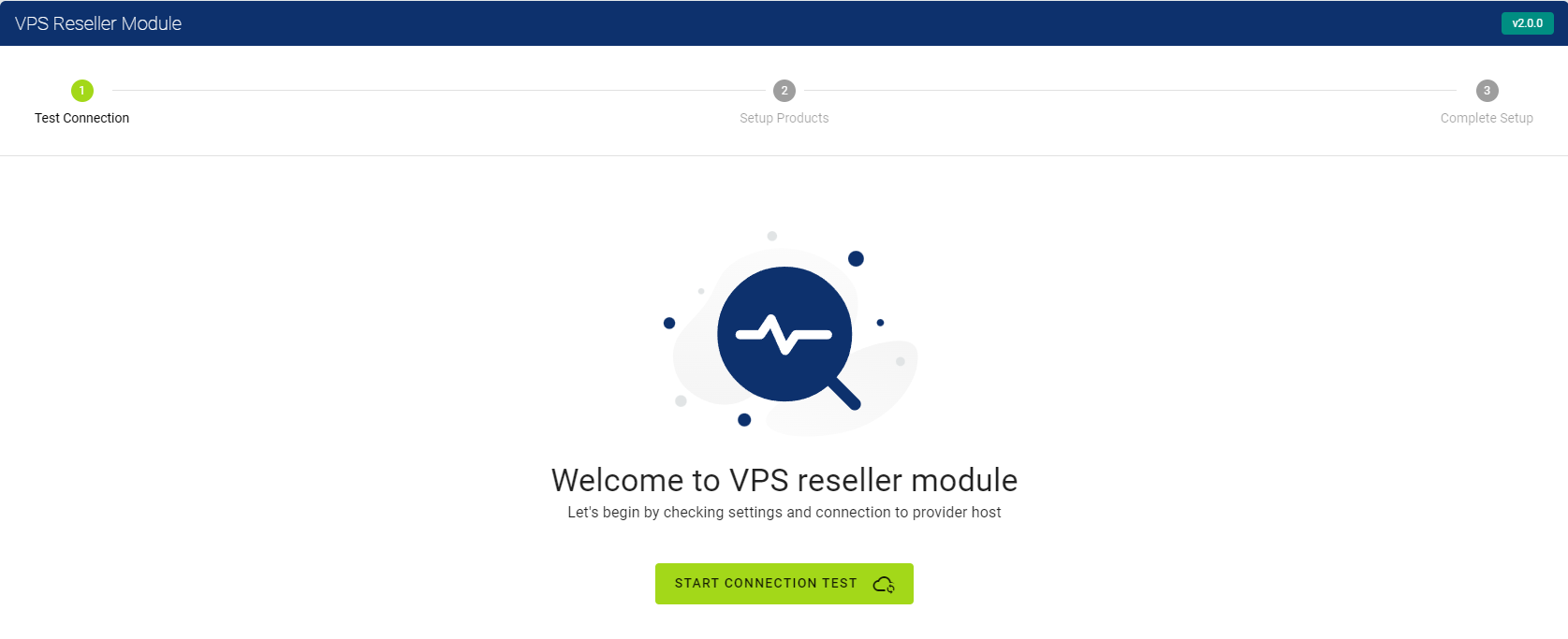
1st step if for ensuring your connection with remote host.
In order to test connection press on green button.
-
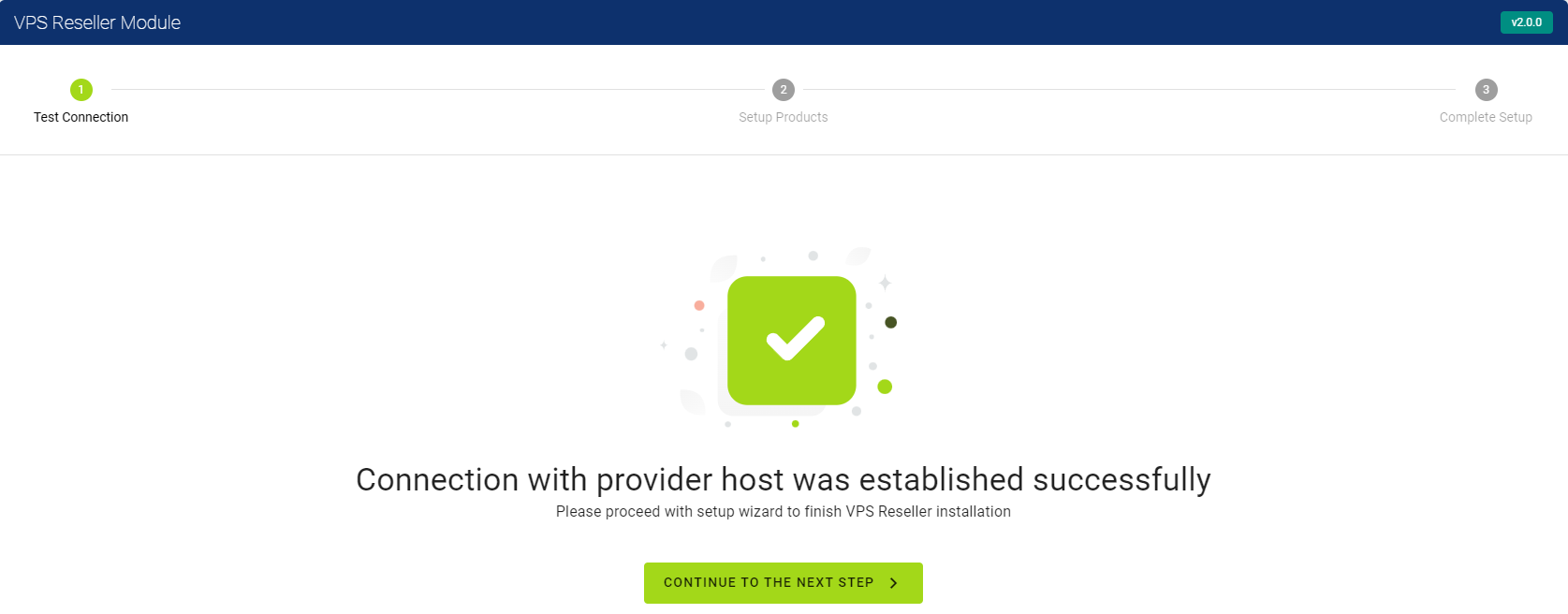
If your connection with remote host is established successfully you will see success message then you can press on 'Next Step' button.
-
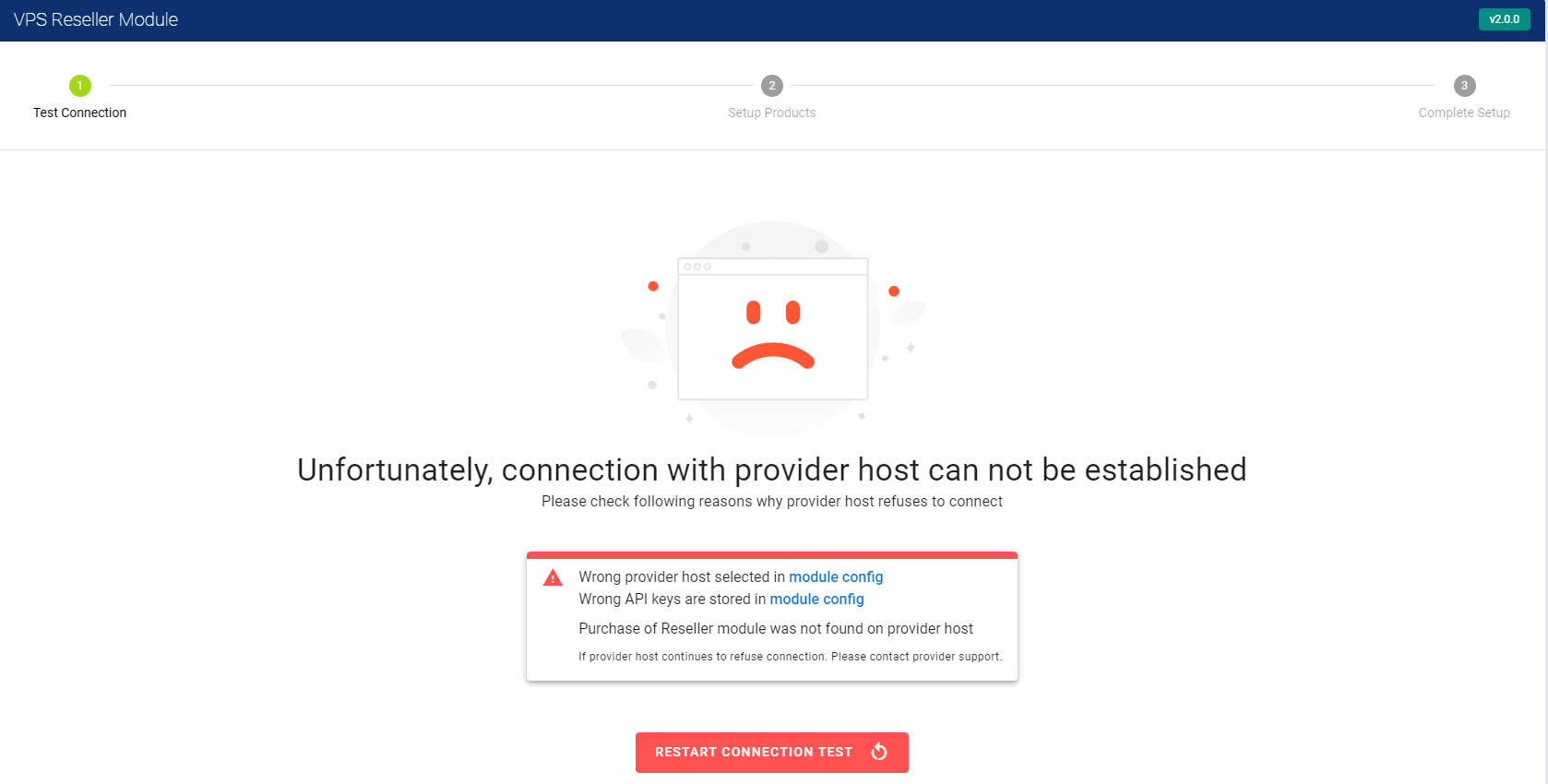
If your connection with remote host wasn't established successfully you will see error message with explanation how to solve connection issues.
3. Automated product setup
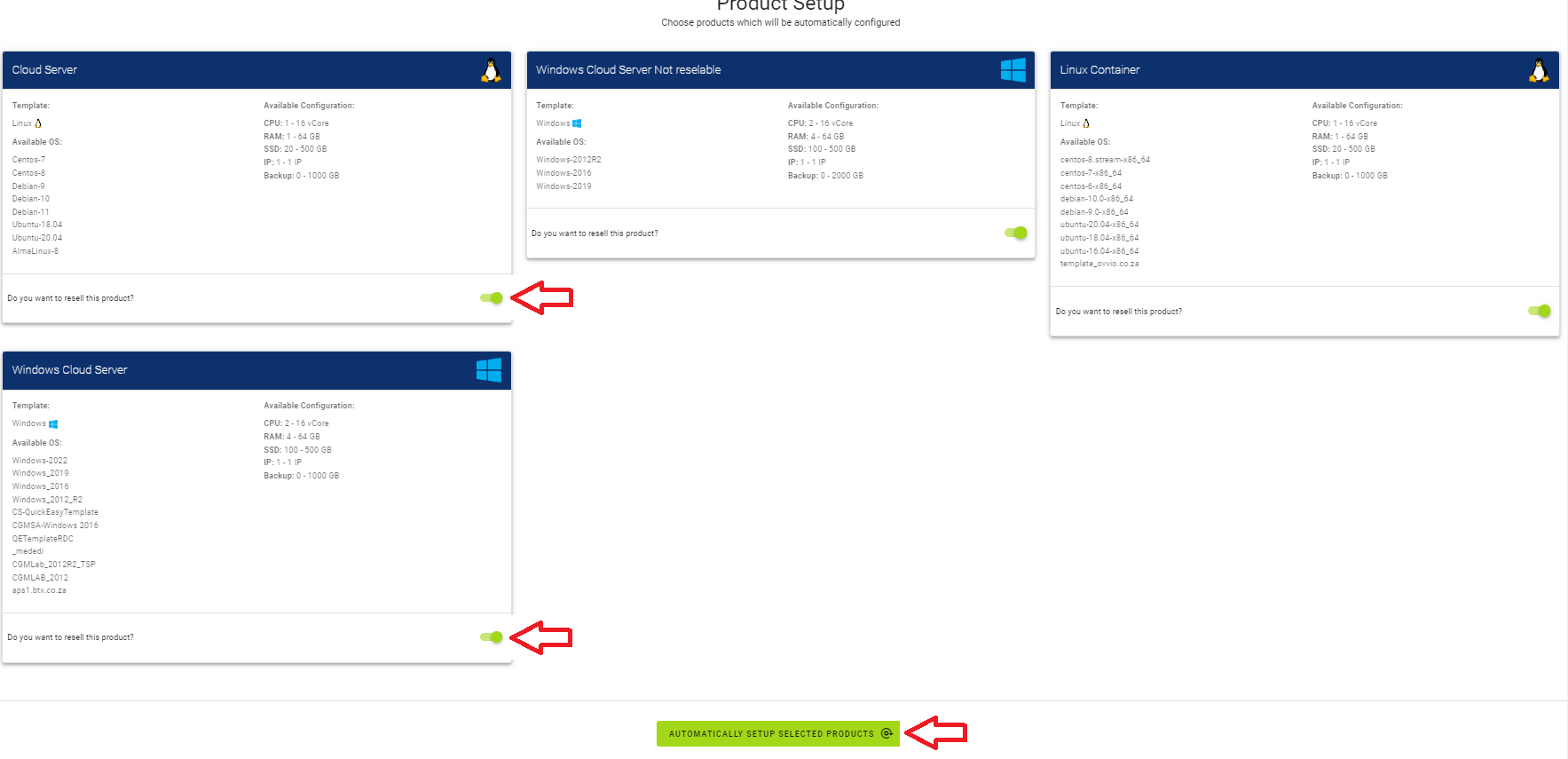
In this step you select automated product setup that will create new:
- Selected products (created product will be hidden)
- Configuration options for selected products
- Default plans for selected plans that can be adjusted by you any time later.
Please mark checkboxes of products you want to resell (marked with red arrow) and press 'Automatically setup selected products'.
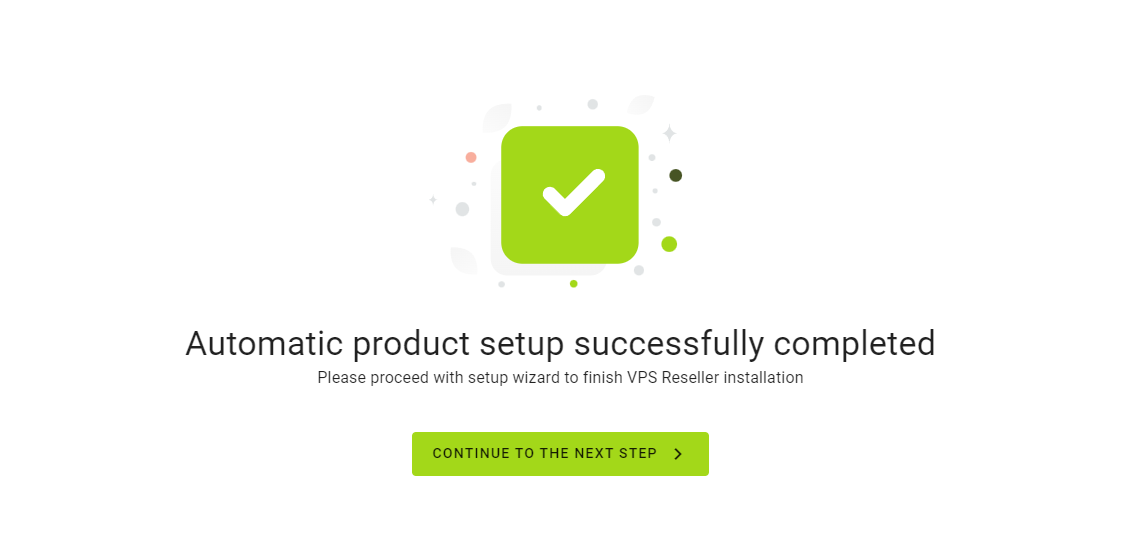
After successful product setup you will see success window. Please continue with setup process.
If process was unsuccessful please contact HOSTAFRICA support for assistance.
4. Finalize product setup
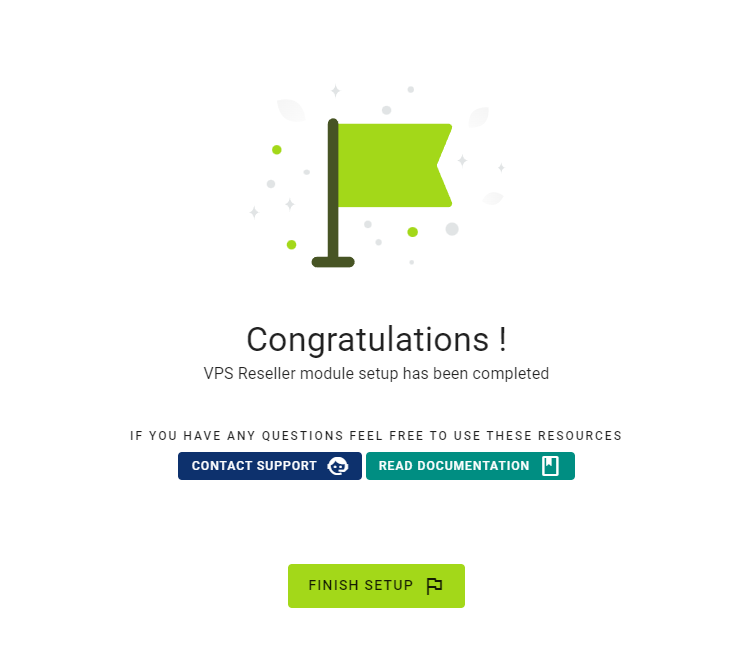
In this step you will see "Congratulations" page. And all that is left is just Finish Setup.
Once this is done you will be redirected to VPS Reseller addon module.
And you will be able to setup your custom product plans.